
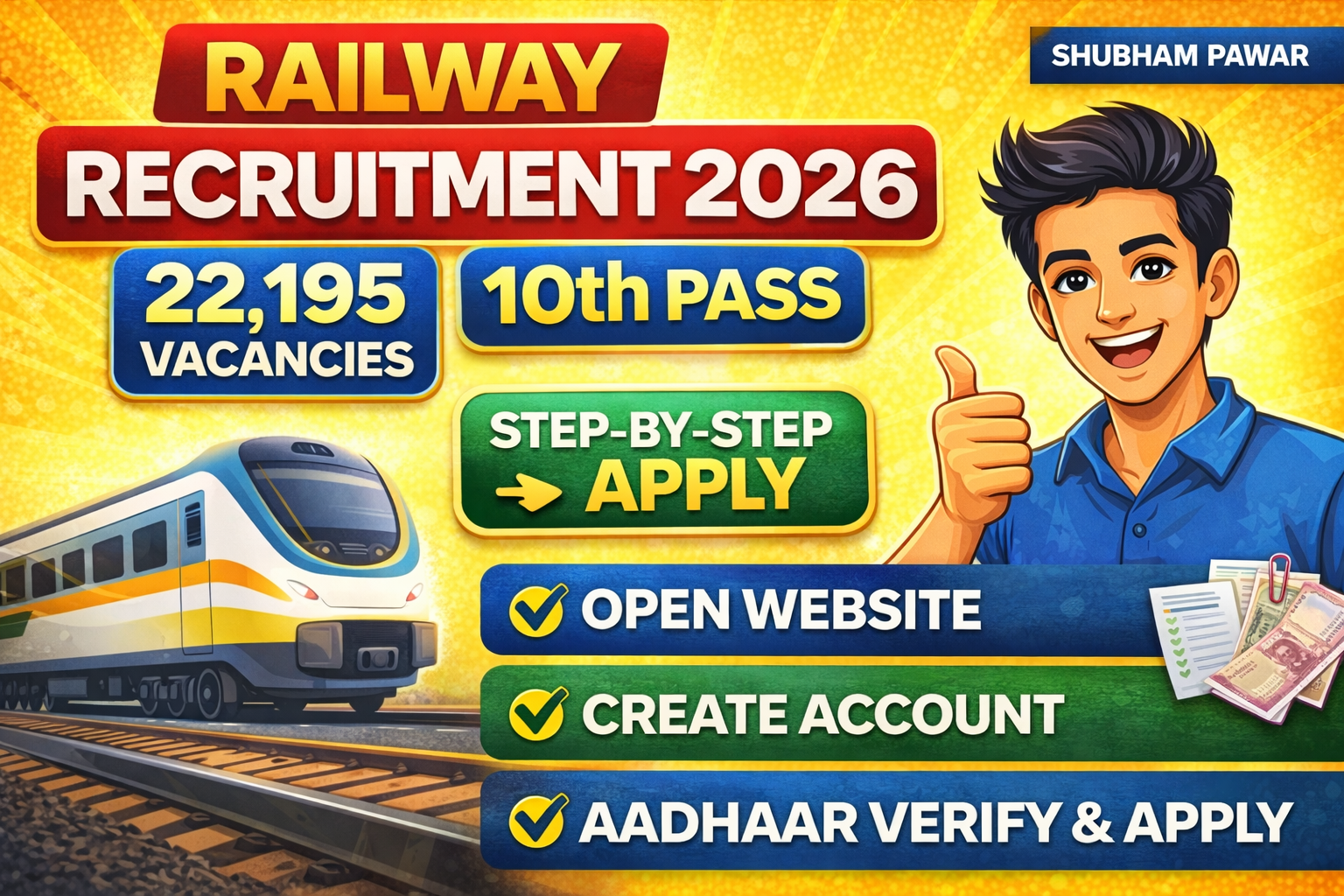
Hello friends, examar friends, there is a big recruitment in the Fill RRB Railway Group D Bharti 2026 total vacancies, in this you only need to be 10th pass, even if you have done ITI, there are various types of posts like assistant, pointsman, track man, track mentor, etc. If you look at the age requirement, then the minimum age will be 18 years and the maximum age will be 33 years.
Fill RRB Railway Group D Bharti 2026
Fill RRB Railway Group D Bharti 2026 If you look at the form filling fee, then there is a fee of ₹500 for open OBC and EWS. There will be an online fee of ₹250 for SC, ST women. The last date for filling the form is 2 March 2026. In this video, we will see exactly how to fill the online form of this recruitment, so watch the video till the end. If this is your first time on the channel, subscribe to the channel, you will get such important videos. So let’s start the video, friends. So first of all, from your mobile, laptop or PC, go to this website RRB apply.gov.in.
You can see the link given in the description below. Here you will see three options. The first is Login with Aadhaar. The second is Login with RRB account credentials and the third is Create an account. If you have an account on this, you can login with Aadhaar and or if you have an account, you can login with your RRB account credentials ID and password. If you do not have an account, then the third option is Create an account. After clicking on the Create an account option, you have to read some notes here and click OK. After clicking OK, you have to fill some information to open an account. Read the information carefully.
Fill RRB Railway Group D Bharti 2026 Now if your Country of Nationality is India, then you have to select India, then here in Personal Information it asks for your full name, how are you going to enter your full name, you have to enter it as it is on your mark sheet of 10th, first your surname, then your name, then your father’s name, you have to enter your name in this way, here too retype full name, retype means you have to type it again here, then you have to change your name, if you have ever changed your name, then if you have changed your name, then by doing yes you can show that the name has been changed, if not, then by doing no, then your date of birth is asked, you have to select date of birth on both sides, then whether you are male or female, you have to select both sides here, then father’s name, whatever your father’s name is, you have to enter it on both sides, you have to enter it properly, mother’s name, mother’s name on both sides.
Then in the contact details you have to enter email ID You have to enter your mobile number and on both sides you have to click on Generate OTP Generate OTP Generate Email The OTP that will come on the OTP email, you have to enter that OTP here in this box After generating the mobile OTP, you have to enter the OTP that will come on the mobile and verify it. Then below you will see three boxes Verification through Digilocker Verification through Aadhaar card and I don’t have Aadhaar card, then the option of two numbers Verification through Aadhaar card is to click on it.
Read Also : RT Admission 2026–27 Online Form – Complete A to Z Guide
Then below you will see here Verification through Aadhaar card If you click on it, whatever Aadhaar card you have, that Aadhaar number will be asked here You have to enter that Aadhaar number. You have to click on Generate Aadhaar OTP. There is an OTP on the number linked to the Aadhaar card. You have to verify it by entering the OTP after that I confirm that one and in the Create password, enter the same password in both ways and I am not Click on the robot and click on Preview and Create an Account below. I have filled all the information. Now see if this information is correct after clicking on Preview and Create Account. Check, tick here, recheck and click on the Create an Account button below. After clicking on the Create Account button, understand and submit. Your user has been created successfully.
Fill RRB Railway Group D Bharti 2026
Your account has been created here. Now, however, you have to login. You will see the login button above. Click on this login button. Here you have two options to login. Login with Aadhaar or you can also login with the two numbers that you have created as ID and password. So here, let’s go to Login with Aadhaar. After that, you have to enter your mobile number which you had entered here and click on Generate OTP by accepting the terms and conditions below. You have to enter the OTP and click on Not a Robot to login. You will be logged in in this way. You will see the option of online application above.
After clicking on this button, you will see the recruitment which is now 9 2025 Various Post Level One Seventh CPC Pay Matrix which is the last date 2/3 2026. You will see this advertisement here. Now you have to select Mumbai in your Maharashtra. If you want to apply for RR, then here you have to select Mumbai. If there is no other post in Maharashtra, then you have to select Mumbai. After that, select Mumbai and tick both the options I am not currently and click on the next button. After that, see here that all the information you have filled is automatically.
Fill RRB Railway Group D Bharti 2026 – Step-by-Step Short Story (RRB 22195 Posts)
Railways have released 22,195 vacancies.
Qualification: 10th pass / ITI
Age limit: 18 to 33 years
Last date to apply: 2 March 2026
Fees:
- ₹500 – Open / OBC / EWS
- ₹250 – SC / ST / Women
Now let’s see how to apply online step by step 👇
✅ Step 1: Open Official Website
Go to 👉 rrbapply.gov.in
(Link is in description)
You will see 3 options:
- Login with Aadhaar
- Login with RRB Account
- Create an Account
👉 New users: Click Create an Account
✅ Step 2: Create RRB Account
- Select Country: India
- Enter Full Name (as per 10th marksheet)
- Retype full name
- Select DOB & Gender
- Enter Father’s Name & Mother’s Name (both sides)
- Enter Mobile Number & Email ID
- Generate & verify Mobile OTP + Email OTP
✅ Step 3: Aadhaar Verification
- Click Verification through Aadhaar
- Enter Aadhaar number
- Generate OTP
- Verify OTP
- Create Password
- Tick “I am not a robot”
- Click Preview & Create Account
👉 Account created successfully ✅
✅ Step 4: Login
Now click Login
Choose Login with Aadhaar
- Enter mobile number
- Generate OTP
- Verify OTP
You will be logged in successfully
✅ Step 5: Apply Online
Click on Online Application
Select the recruitment:
RRB Level 1 – 22,195 Posts (Last Date: 2/3/2026)
👉 For Maharashtra candidates:
Select Mumbai RRB
Tick both declarations
Click Next
✅ Step 6: Check Auto-Filled Details
Your personal details will be auto-filled
✔ Check name
✔ Check DOB
✔ Check parents’ names
If everything is correct, continue filling the form further.
⚠️ Important Tips
✔ Name must match 10th marksheet
✔ Mobile number must be active
✔ Aadhaar must be linked to mobile
✔ Don’t make spelling mistakes
✔ Save your login details
✔ Apply before 2 March 2026